The online AI course, built from three years of training teams.
226 lessons at your own pace: the prompting method, the path for your own tool (ChatGPT, Claude, Copilot or Gemini), exercises on your own cases, all the way to agents and MCP servers. From 340 $.
82 lessons in the method, 144 more if you take Automations too.
9.4/10
497 written reviews, averaging 9.4 out of 10
We train their teams










What you learn, and in what order
Three stages, 24 modules, 26h 21min of reading and exercises, in English and in French. You pick one tool, and the path keeps only that one.
Touch a module to see what it holds.
Touch a module to see what it holds.
Touch a module to see what it holds.
Free access opens 15 lessons and 76 minutes, no card needed. 11 modules open with Automations.
Choose your plan
The AI assistant is included in all three, and access lasts 90 days whichever plan you choose.
Your tool’s path
Four tools, four paths, written separately.
You follow one, the one already in your hands, and you open another the day your company changes its mind. Each page says what the tool does, what it does not, and what the course gets out of it.
Where to start
Four questions, and you know which modules are yours.
Everyone gets the same lessons. What changes is where you start, and what can wait.
Question 1 of 4
Where are you with AI today?
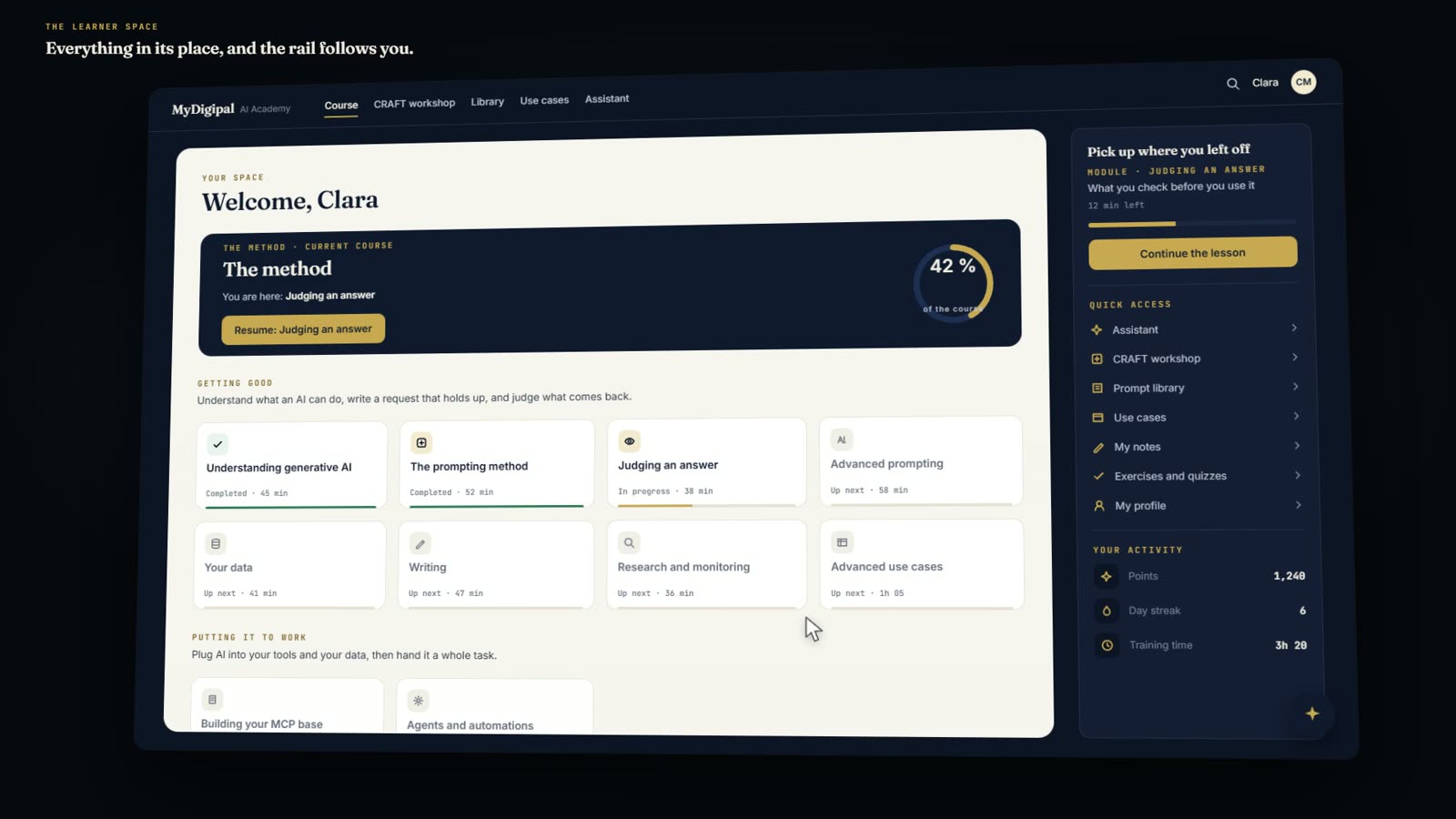
The space you open every morning.
The course, a lesson, the workshop, the prompt library and the assistant: the space you open after buying.
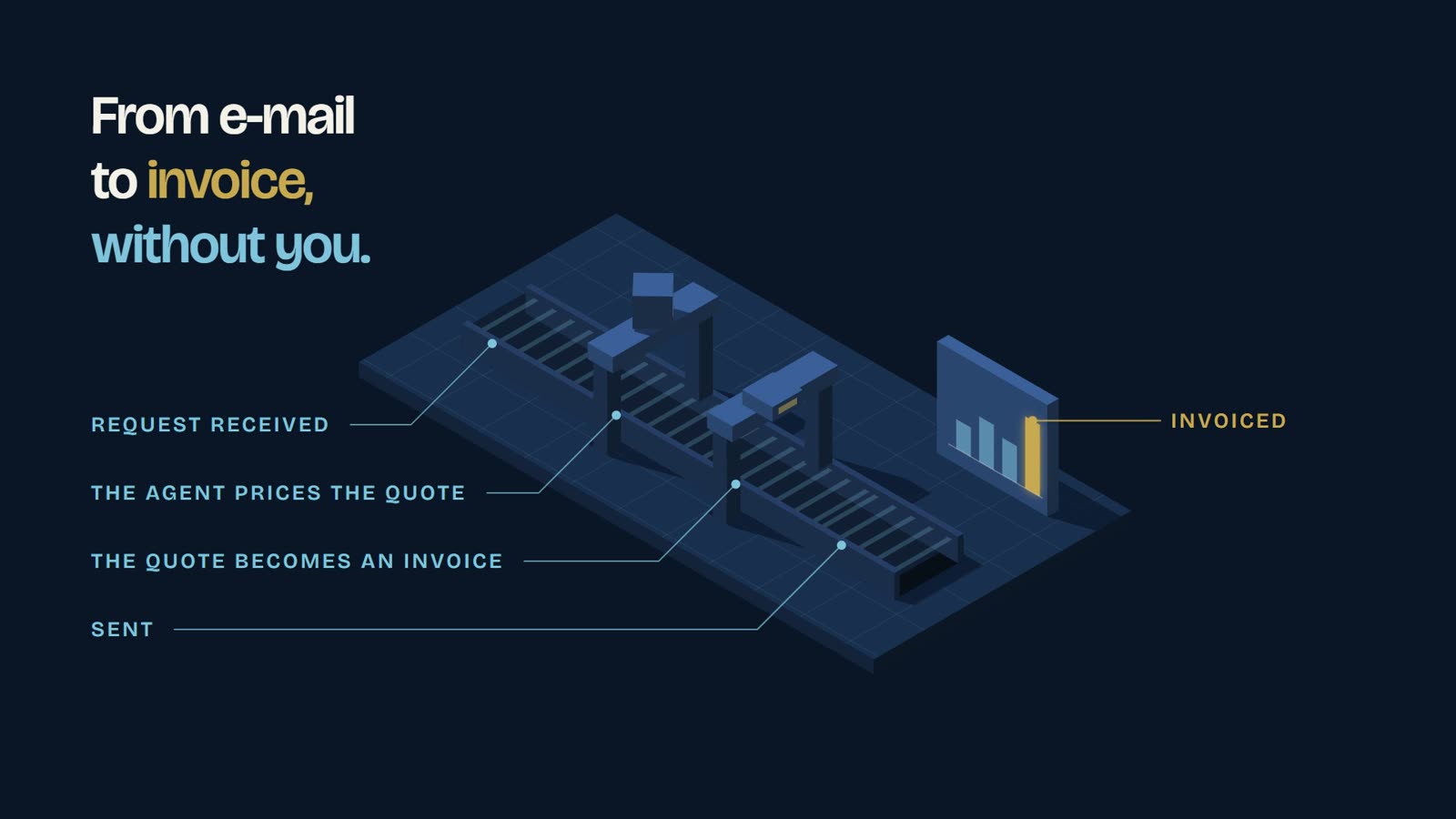
The end goal: agents working on every front
By the end of the path your tools are plugged in and your chains run without you. An MCP server is the socket: it gives the assistant access to one tool, and only what you allow.
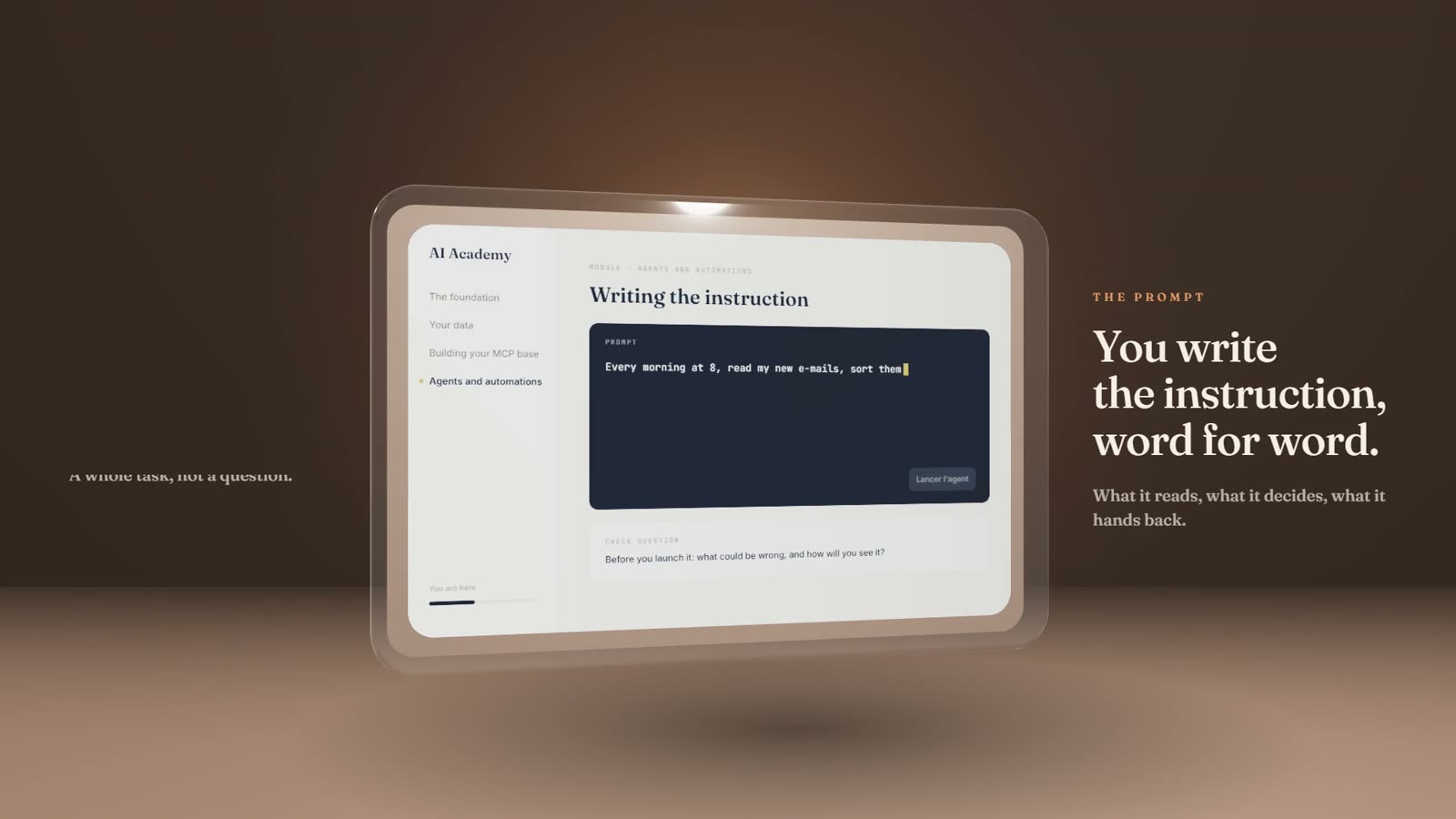
Paul, inside the Academy
Short films recorded on the real product. Click one to watch it with sound.
Demonstration account
Thirty days inside an account
Clara Martin is a composite learner. Her account fills up on the product’s real scale.
You have been watching Clara’s account fill up. Time to start yours.
Certificate of professional use of artificial intelligence
awarded to
Clara Martin
for completing the full course: 226 lessons across 24 modules, 18 exercises submitted of which 3 reviewed and corrected, and a working MCP server built.
Fields covered
Getting started
Welcome and diagnostic · Understanding generative AI · The prompting method · Your tool’s path
Getting good
Advanced prompting · Judging an answer · Your data and the rules of use · Writing, translating, summarising · Beyond text: image, video, audio · Business use cases · Figures and spreadsheets · Meetings, minutes and messages · Serious research and monitoring · Presenting and convincing
Putting it to work
Claude, for automations · Agents and automations · Building your MCP base · Advanced use cases · The foundation: making it last · Managing a team that uses AI · Putting it to work
Paul André
Trainer, MyDigipal
26h 21min of training
Issued on day 30
Day 30
A certificate at the end of the course
It carries your name, the modules you followed and what you built. It is worth what you can do with it.
- The areas covered, stage by stage: getting started, getting good, putting it to work
- The exercises you submitted
- The distinction, once every lesson is completed
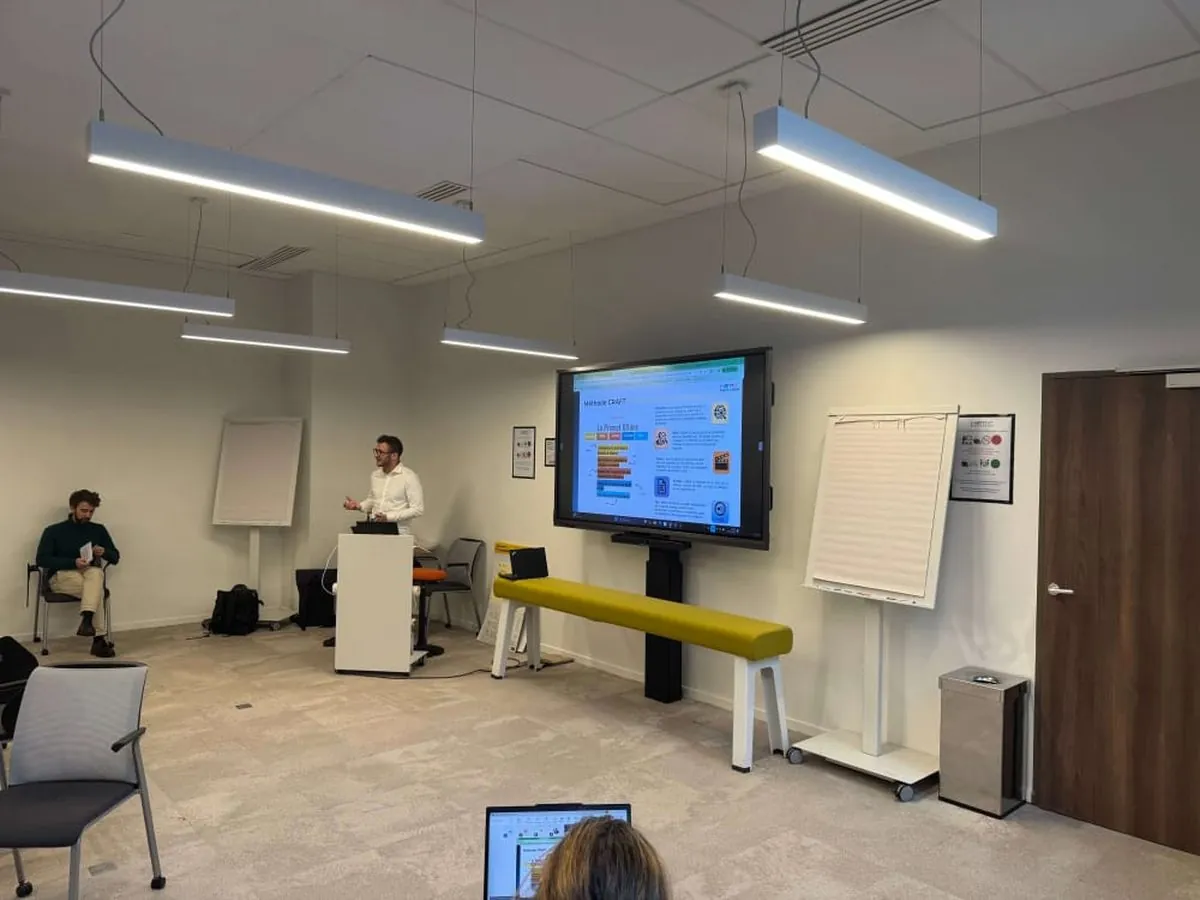
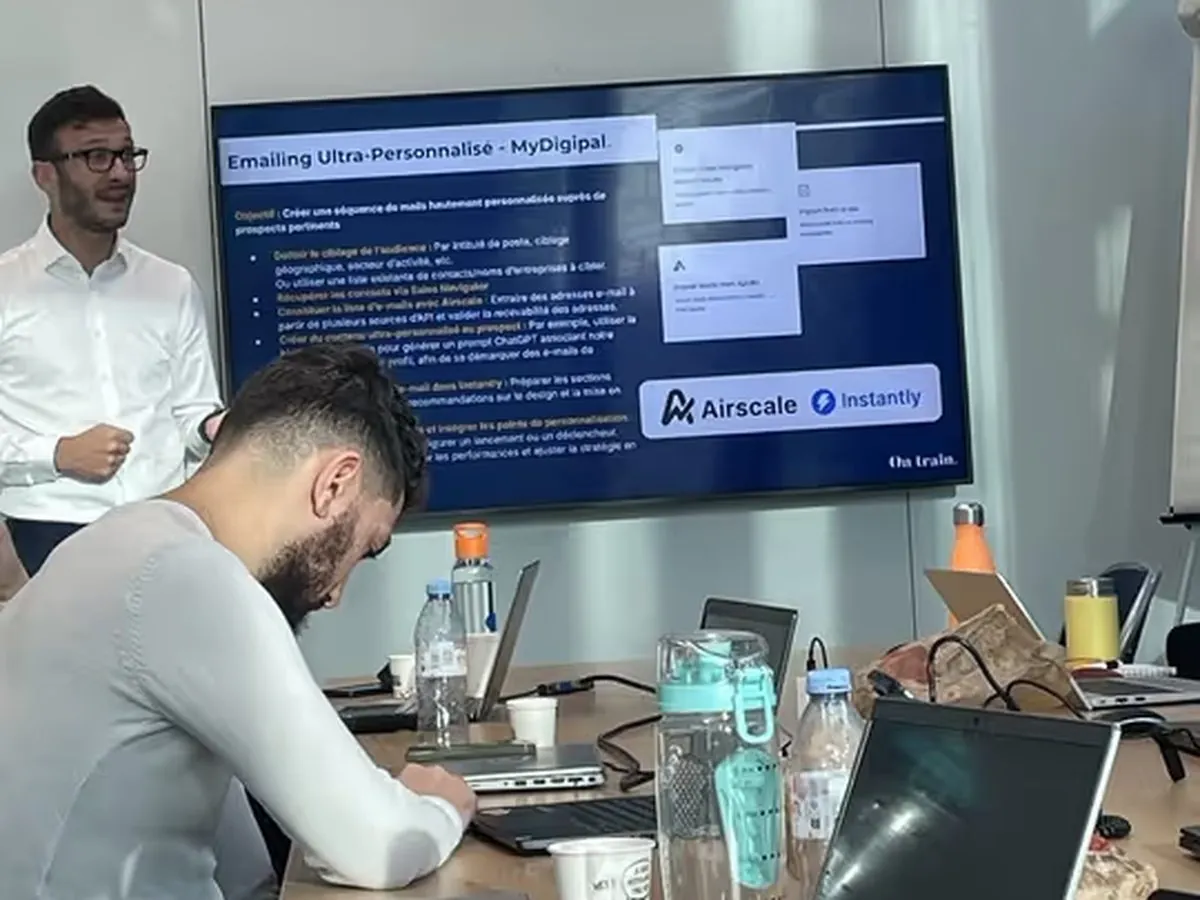

A method shaped in the training room, at La Poste, Pierre Fabre and La Redoute.
Paul André taught it for three years in front of real teams, from finance to customer service, and corrected it session after session until it held. That is the version now online.
We train their teams











What they say about the method
497 written reviews, averaging 9.4 out of 10
“Extremely concrete training, useful for my day-to-day.”
“I will now be able to get going with Copilot more precisely (the CRAFT method) and, above all, get my team on board.”
“A very good experience, and I am going to apply what I learned starting today!”
“It was great to have examples of how to use AI in our daily tasks. Paul explained it really clearly and the training was very interesting to follow!”
“Exceeded my expectations, allowed to share the content with different levels of proficiency.”
“Awesome, the best training I’ve received at MH so far, very useful for my day to day, very engaging.”
“Well organized, informative and inspiring.”
“Great facilitation, dynamic and engaging that allows learning effortlessly. Good balance between theory and practice.”
“Hands-on, concrete, applicable, great communication and interactions.”
Pricing
The AI assistant is included in all three, and access runs for 90 days whichever you take. You have 48 hours to ask for a full refund, as long as less than 5% of the course has been opened.
The method and your tool
- 82 lessons, 8h 40min of training
- The full path for the tool you choose
- The workshop, the quizzes, the “Your turn” of every lesson
- 18 exercises on your own files
- The AI assistant, about 300 questions over your 90 days of access
- Every lesson in English and in French
Agents, chains and MCP
- 144 lessons, 11 modules
- Agents and MCP servers
- Nineteen complete chains, built step by step
- The AI assistant, about 300 questions over your 90 days of access
- For people who already use AI every week
48 hours to change your mind
Full refund as long as less than 5% of the course has been opened.
Invoice in your company name
Issued automatically after payment, VAT included.
Pay by card
Secure page by Revolut. Your access opens within the minute.
Need a bank transfer, a purchase order, or an invoice before you pay? Write to me.
15 free lessons, for 48 hours
Full modules, no card needed: getting started, then writing, translating and summarising. 48 hours to judge for yourself before paying.
The AI assistant is included in all three. Prices are in US dollars, and the amount shown is the amount you pay. Your purchase is governed by our terms of sale.