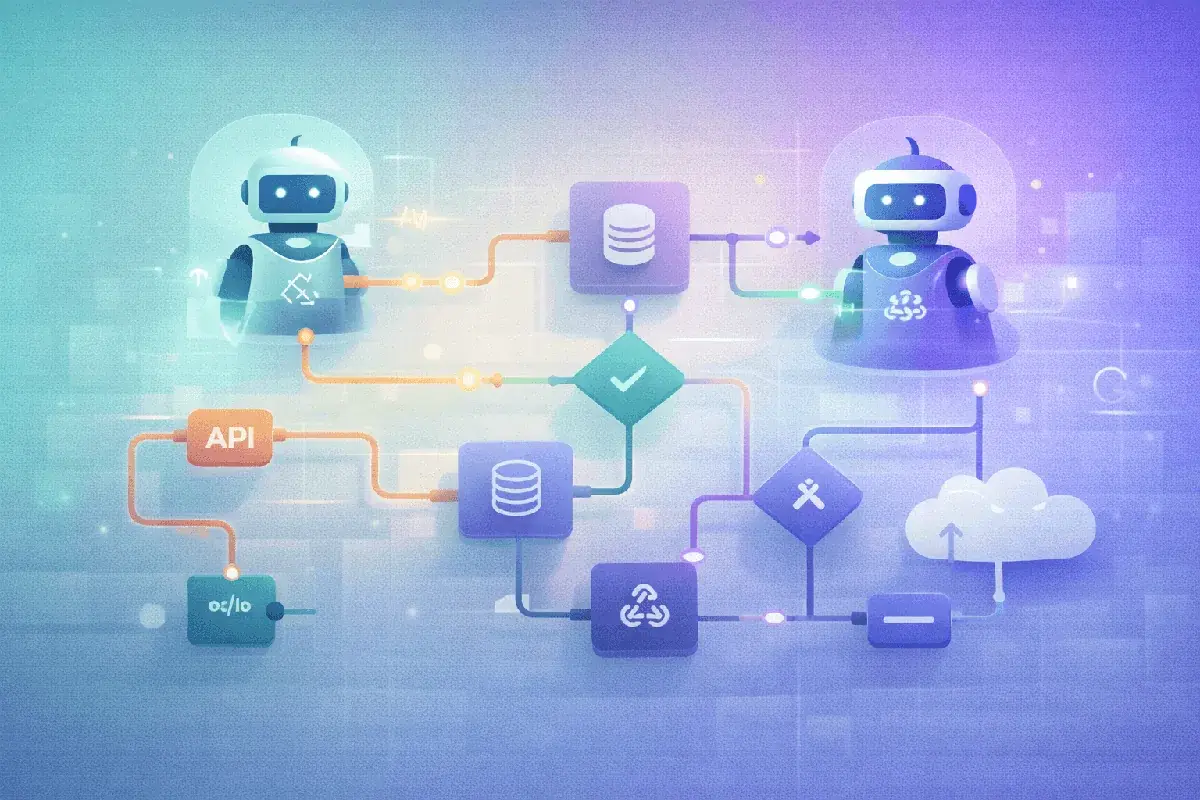
AI agents are transforming business operations. Unlike traditional chatbots that only respond to prompts, AI agents can reason, plan, and execute complex multi-step tasks autonomously—updating your CRM, sending emails, generating reports, and more.
According to n8n’s platform documentation, AI Agents don’t just respond to prompts—they take action. They can query APIs, update CRMs, send emails, file reports, and more—all autonomously and continuously.
This guide shows you how to build production-ready AI agents using n8n in 2026.
What are AI agents?
AI Agents in n8n are autonomous workflows powered by AI that can make decisions, interact with apps, and execute tasks without constant human input.
Agents vs. traditional automation
| Aspect | Traditional Automation | AI Agents |
|---|
| Decision making | Rule-based (if/then) | Reasoning + context |
| Adaptability | Fixed paths only | Dynamic responses |
| Error handling | Predefined rules | Intelligent recovery |
| Complexity | Simple linear flows | Multi-step reasoning |
| Learning | None | Improves with feedback |
Core components of an AI agent
| Component | Purpose | Example |
|---|
| LLM (Brain) | Reasoning and decision making | Claude, GPT-4, Llama |
| Tools | Actions the agent can take | Send email, query database |
| Memory | Context from past interactions | Conversation history |
| Goals | Objectives to achieve | ”Resolve customer inquiry” |
| Guardrails | Safety constraints | ”Never share passwords” |
Why n8n for AI agents?
| Feature | Benefit |
|---|
| 400+ integrations | Connect to any service |
| Visual builder | No-code agent design |
| Self-hostable | Full data control |
| Fair-code license | Transparency + flexibility |
| Active community | Over 5000 workflow templates |
Comparison with alternatives
| Platform | Strength | Limitation |
|---|
| n8n | Integration breadth, self-hosting | Learning curve |
| Zapier | Ease of use | Limited AI capabilities |
| Make | Visual design | Higher costs at scale |
| LangChain | Developer flexibility | Code-only |
| CrewAI | Multi-agent focus | Limited integrations |
Building your first AI agent
Prerequisites
| Requirement | Purpose |
|---|
| n8n instance | Self-hosted or cloud |
| LLM API key | Claude, OpenAI, or local |
| Target integrations | CRM, email, etc. |
Step-by-step setup
| Step | Action | Details |
|---|
| 1 | Create new workflow | Start with blank canvas |
| 2 | Add trigger | Webhook for real-time, Schedule for batch |
| 3 | Add AI Agent node | Configure LLM connection |
| 4 | Define system prompt | Agent personality and rules |
| 5 | Add tools | Connect services agent can use |
| 6 | Configure memory | Enable conversation history |
| 7 | Set guardrails | Define boundaries |
| 8 | Test thoroughly | Validate all paths |
Real-world agent applications
1. Customer service agent
Handles 60% of inquiries without human intervention:
| Capability | Implementation |
|---|
| FAQ responses | RAG with knowledge base |
| Ticket creation | Zendesk/Freshdesk integration |
| Order lookup | E-commerce API queries |
| Escalation | Human handoff detection |
| Follow-up | Automated satisfaction surveys |
Results: 60% inquiry resolution, 24/7 availability, under 30 second response time.
2. Sales development agent
Automates lead qualification and nurturing:
| Capability | Implementation |
|---|
| Lead scoring | AI-based intent analysis |
| Personalized outreach | Dynamic email generation |
| Meeting scheduling | Calendar integration |
| CRM updates | Automatic status changes |
| Handoff triggers | Sales team notification |
For more on sales automation, see our marketing automation services.
3. IT operations agent
Self-healing systems that monitor and remediate automatically:
| Capability | Implementation |
|---|
| Log analysis | Pattern detection |
| Alert triage | Severity classification |
| Auto-remediation | Script execution |
| Incident creation | ServiceNow/Jira integration |
| Status updates | Slack notifications |
4. Content marketing agent
Automated content pipeline:
| Capability | Implementation |
|---|
| Topic research | Trend analysis |
| Draft generation | LLM content creation |
| SEO optimization | Keyword integration |
| Distribution | Social media posting |
| Performance tracking | Analytics integration |
Multi-agent systems
The true power emerges with multi-agent “swarms”:
Agent orchestration patterns
| Pattern | Description | Use Case |
|---|
| Sequential | Agents pass work in order | Content pipeline |
| Parallel | Agents work simultaneously | Research tasks |
| Hierarchical | Manager agent delegates | Complex projects |
| Collaborative | Agents share information | Customer 360 |
Example: marketing campaign system
| Agent | Role | Tools |
|---|
| Research Agent | Analyze market trends | Web search, analytics |
| Content Agent | Create campaign assets | LLM, design tools |
| Distribution Agent | Publish across channels | Social APIs, email |
| Analytics Agent | Track performance | Google Analytics, CRM |
| Optimization Agent | Adjust based on results | A/B testing, bidding |
Safety and guardrails
AI Agents come with risks. n8n provides safeguards:
Risk mitigation
| Risk | Mitigation |
|---|
| Hallucinations | Fact-checking tools, RAG |
| Runaway loops | Max iterations, timeouts |
| Unintended actions | Tool restrictions |
| Data leakage | Input sanitization |
| Cost overruns | Usage limits |
Human-in-the-loop patterns
| Pattern | When to Use |
|---|
| Approval gates | Financial transactions |
| Review queues | External communications |
| Confidence thresholds | Low-certainty decisions |
| Escalation triggers | Complex situations |
Best practices
| Optimization | Impact |
|---|
| Prompt engineering | 40% better accuracy |
| Tool descriptions | 30% fewer errors |
| Memory management | 25% cost reduction |
| Caching strategies | 50% faster responses |
| Parallel execution | 60% time savings |
Cost management
| Strategy | Implementation |
|---|
| Model selection | Use smaller models for simple tasks |
| Caching | Store frequent responses |
| Batching | Group similar requests |
| Token limits | Constrain context size |
| Fallback chains | Start cheap, escalate if needed |
N8n AI agent templates
Leverage the community’s thousands of templates:
| Category | Popular Templates |
|---|
| Customer Support | AI Helpdesk, Ticket Classifier |
| Sales | Lead Qualifier, Meeting Scheduler |
| Marketing | Content Generator, Social Poster |
| IT Ops | Log Analyzer, Incident Responder |
| HR | Resume Screener, Onboarding Bot |
Access templates at n8n.io/workflows.
Integration with existing systems
Common integrations
| System Type | Examples | Agent Uses |
|---|
| CRM | Salesforce, HubSpot | Lead management |
| Email | Gmail, Outlook | Communications |
| Messaging | Slack, Teams | Notifications |
| Database | PostgreSQL, MongoDB | Data operations |
| API | REST, GraphQL | Any service |
Implementation checklist
| Step | Action |
|---|
| 1 | Identify automation opportunities |
| 2 | Map existing integrations |
| 3 | Design agent workflows |
| 4 | Implement guardrails |
| 5 | Test with sample data |
| 6 | Deploy with monitoring |
| 7 | Iterate based on results |
Future of AI agents
2026 Trends
| Trend | Impact |
|---|
| Multi-modal agents | Vision + text + audio |
| Specialized agents | Domain expertise |
| Agent marketplaces | Pre-built solutions |
| Enhanced memory | Long-term learning |
| Edge deployment | Local processing |
Ready to build AI agents for your business? Learn more about our AI solutions services or contact our AI automation team to discuss your use case and implementation strategy.
Sources: